
Content Solutions DocumentationPublished Date: 2021-09-21 Downloaded: October 11, 2026, 11:27 pm |
 |
Content Solutions Documentation |
How do I add users?
2021-09-21
Once you have access to your account, you can setup and invite additional users to your account via the user admin section.
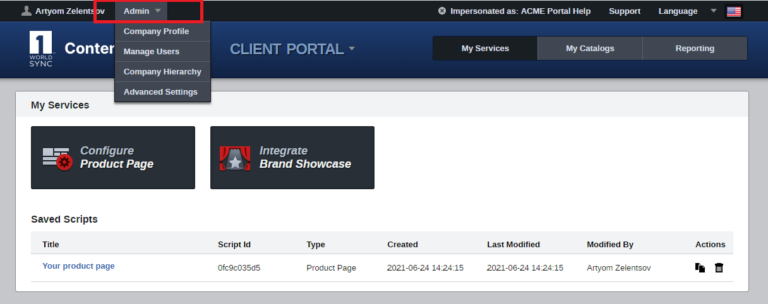
Click Admin -> Manage Users
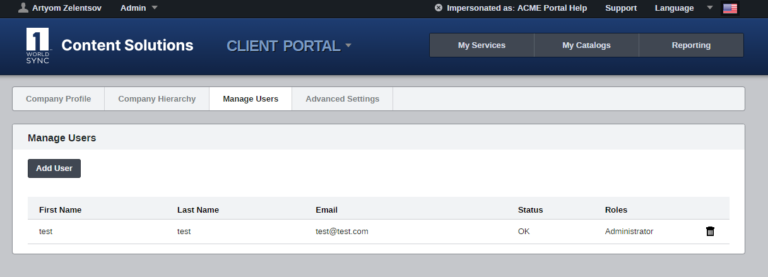
To add a new user under your company profile, click Add User. You will then see an Add User dialog asking for the email address of the new user that you wish to invite:
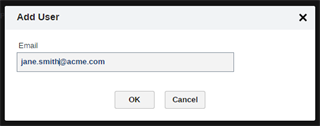
Click OK to send the email invitation to the new user.